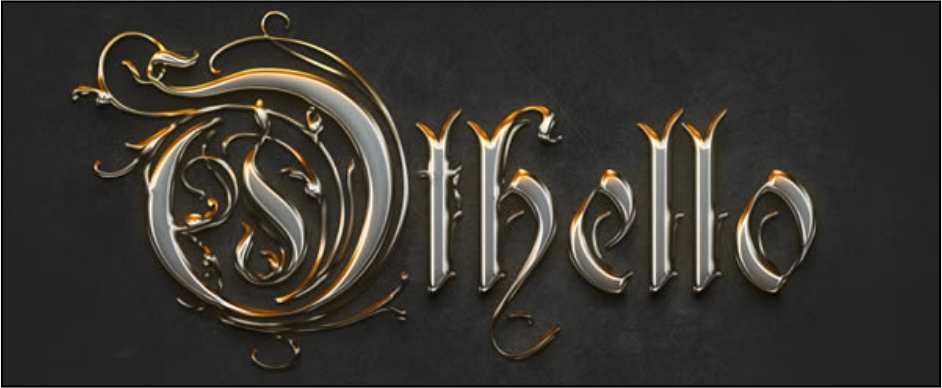
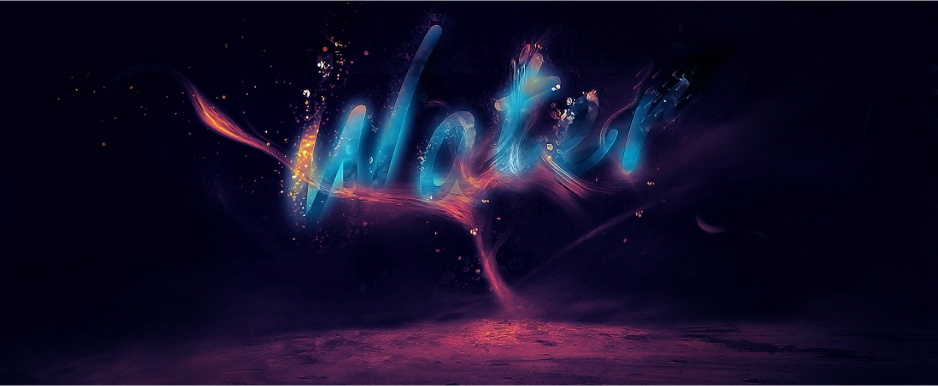
Amazing 3D Space Text Effect Gold Chromed Text Effect Meteorit Impact Manipulation Itaque earum rerum

Monday, November 12, 2012


Materials needed

There are a lot of images used to make this artwork so I included all the necessary stock images on a single pack, In the zip file you will find all you need to follow this tutorial and also a text file with the credits to the authors of the stock images.

Download stock images zip pack.

Authors of the stock images:
Model – http://dxlogic.deviantart.com
Glass ball – http://chop-stock.deviantart.com
Head engine – http://foxstox.deviantart.com
Steel valve – http://quaddles.deviantart.com
Leaf veins – http://jonathan2478resource.deviantart.com
Green steam engine – http://otherunicorn-stock.deviantart.com
Chest mechanical piece – http://fantasystock.deviantart.com

Sunday, November 11, 2012

Resources needed

Background: http://www.sxc.hu/photo/813907
Particles pack: http://mediamilitia.com/particles-pack-25-free-images
Explosion: http://joeycool10.deviantart.com/art/Kaboom-34546797

Step 1

The first thing you need to do is to open the Empire State stock image in photoshop and duplicate it. Name the bottom one ORIGINAL and the top layer TOP-LESS. Now you have to erase the top part of the building on the TOP-LESS layer but leave the sky visible.

Saturday, November 10, 2012

In this new tutorial we’re going to learn how to extract an object from a white background,create a paint effect using some brushes and create a quick HDR effect in a few easy steps. So let’s start.

Stock used

Model: http://dxlogic.deviantart.com/art/girl-stock-iii-206766488
Background: http://knald.deviantart.com/art/Vintage-paper-TEXTURE-PACK-152400787
Smoke: http://www.sxc.hu/photo/1394829
Paint Spatter Brushes: http://www.starwalt.com/photoshop_stuff4.html
Floral Collage Brushes: http://www.starwalt.com/photoshop_stuff2.html


Step 1

First off we need to get some things for this tutorial, a picture of a Giraffe which can be found through sxc.hu, here is the link to the Giraffe. We also need some music note brushes, which I was able to find through a site called Obsidian Dawn.
Now that we have these assets, we should get started in Photoshop. Create a new document 2000 pixels wide by 1000 pixels high. Set the background color to black.

Thursday, November 8, 2012

In this quick tutorial we will show you how to create sports-themed text effect using layer styles in Photoshop. Let’s get started!


Tutorial Assets

The following assets were used during the production of this tutorial.
    In this tutorial we will show you how to make a neon text effect in Photoshop using layer styles and textures.
Let’s get started!